

Delete user on the My Beauty Guide app
To delete you user on the My Beauty Guide App, you must:
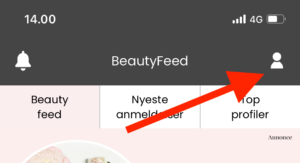
- Go to your profile page
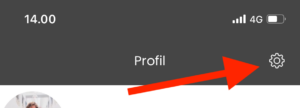
- Click the settings icon on the top right corner
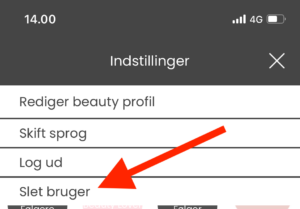
- Press “Delete user”
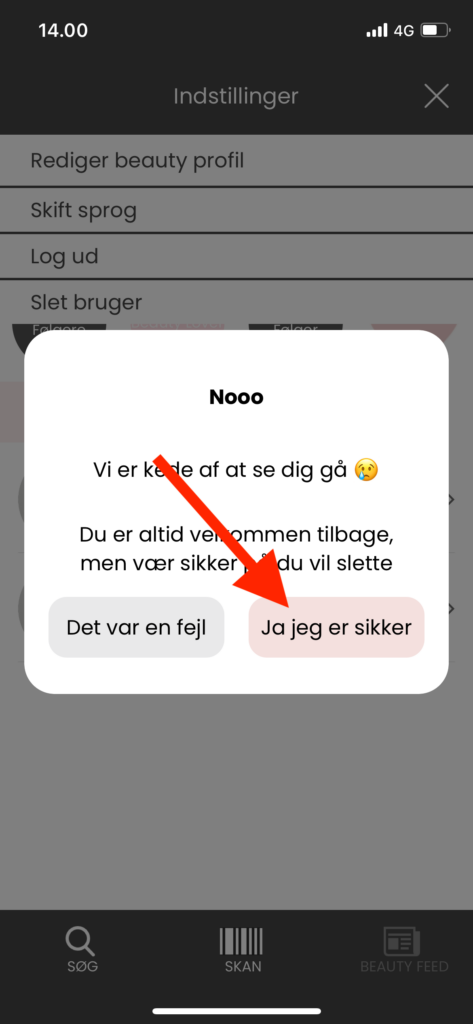
- Accept the deletion of your user
When you delete your user, all your personal data will be deleted immediately and you will not be able to get your data back in the future.
-
Go to your profile page
-
Click the settings icon on the top right corner
-
Press “Delete user”
-
Accept the deletion of your user